
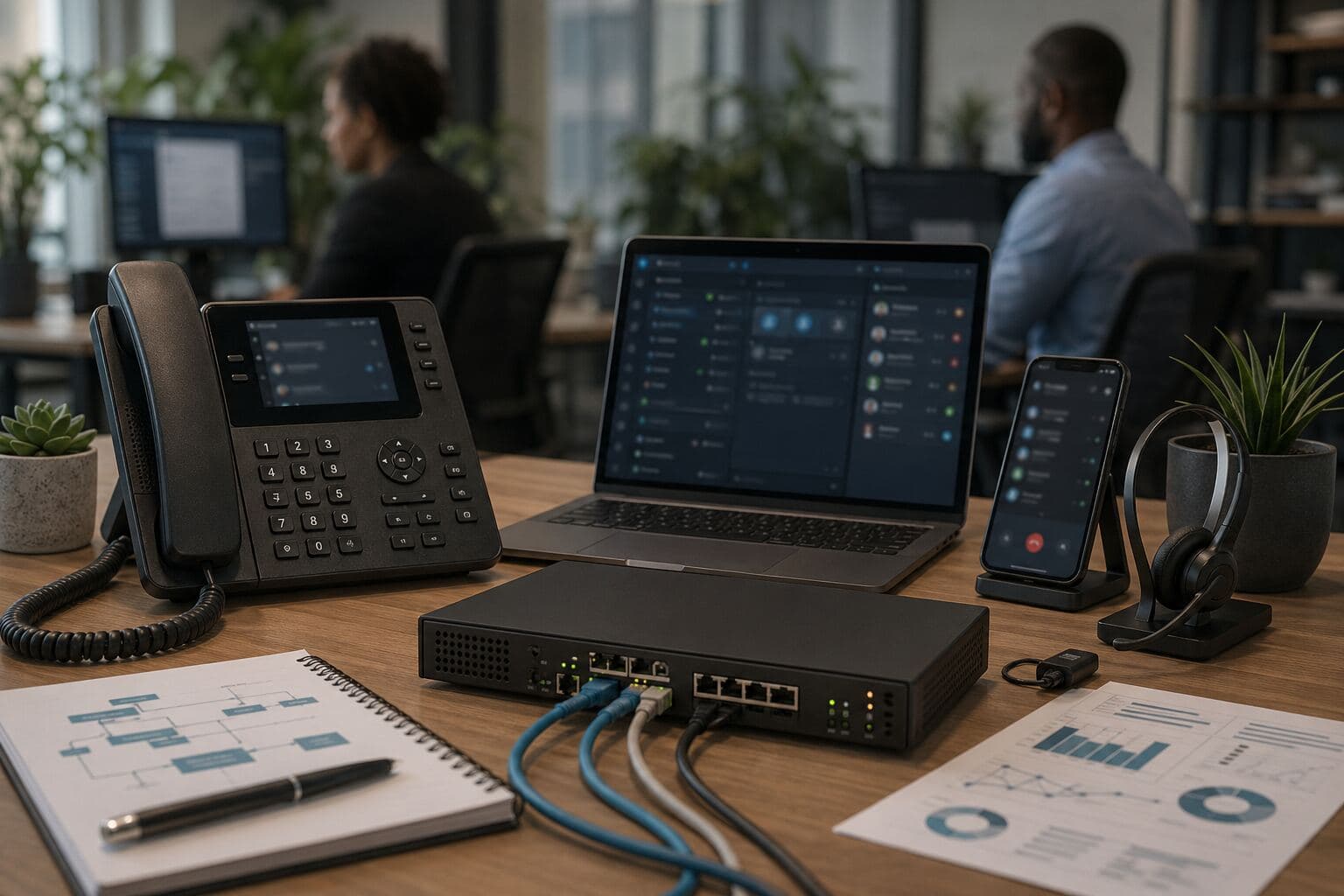
Yeastar P-Series in early 2026: what South African businesses should know
As at 18 April 2026, Yeastar P-Series remains a relevant option for South African SMEs and mid-market businesses comparing modern VoIP platforms. The platform’s direction is towards stronger call handling, Linkus mobility, CRM and API integration, reporting, security controls, and edition-dependent AI features. Buyers should verify current features against official Yeastar release notes and plan deployment around connectivity, SIP trunking, support, and staff training.
Quick answer
Last updated 2026-04-18
- As at 18 April 2026, Yeastar P-Series remains a relevant option for South African SMEs and mid-market businesses comparing modern VoIP platforms. The platform’s direction is towards stronger call handling, Linkus mobility, CRM and API integration, reporting, security controls, and edition-dependent AI features. Buyers should verify current features against official Yeastar release notes and plan deployment around connectivity, SIP trunking, support, and staff training.
- When businesses compare VoIP platforms, the discussion often starts with handsets, hosting, licence options, monthly costs, and SIP trunking.
- Linkus mobility: softphone access for desktop and mobile users, depending on edition, configuration, and user licensing.
Why Yeastar’s development pace matters
When businesses compare VoIP platforms, the discussion often starts with handsets, hosting, licence options, monthly costs, and SIP trunking.
Those points matter. In 2026, another question is just as important: how actively is the platform being improved?
Yeastar’s P-Series line spans Cloud Edition, Software Edition, and Appliance Edition. Across these deployment models, the platform has continued to move beyond traditional PBX functionality towards broader business communications, including Linkus desktop and mobile clients, call routing, reporting, integrations, and centralised administration.
For South African businesses, that development pace matters because a phone system is no longer a static office tool. It must support hybrid work, branch connectivity, customer service teams, remote users, security controls, and reliable failover planning.
What changed in the P-Series direction
The practical shift is from a PBX that only makes and receives calls to a communications platform that connects voice with business workflow.
The most relevant areas for buyers in early 2026 are:
The exact feature set depends on the edition, version, licence, and region. Buyers should check the current Yeastar documentation and release notes before making a final decision:
- Linkus mobility: softphone access for desktop and mobile users, depending on edition, configuration, and user licensing.
- Call flow control: IVR, ring groups, queues, routing rules, office hours, and overflow handling.
- Reporting and visibility: call logs, queue information, call activity, and management reporting.
- Integration options: CRM, API, and business-system integration routes that can reduce manual follow-up.
- Administration: tools that make day-to-day user, extension, routing, and system management easier.
- Security and access control: administrator access, remote connectivity, update planning, and system protection features.
- Yeastar P-Series PBX System
- Yeastar P-Series Cloud Edition documentation
- Yeastar P-Series Software Edition documentation
- Yeastar P-Series Appliance Edition documentation
Yeastar Cloud vs Software vs Appliance editions
The right edition depends on how the business wants to host, support, secure, and manage its phone system.
| Edition | Typical fit | Main buyer considerations |
|---|---|---|
| Yeastar P-Series Cloud Edition | Businesses that prefer a hosted PBX model with less on-site infrastructure | Internet quality, SIP trunking design, user licensing, remote access, support responsibility, and data/location requirements |
| Yeastar P-Series Software Edition | Businesses or IT providers that want to run the PBX as software on their own server or cloud environment | Hosting environment, backups, update control, firewall rules, high availability planning, and internal IT capability |
| Yeastar P-Series Appliance Edition | Businesses that prefer an on-site PBX appliance or have site-specific network requirements | Hardware lifecycle, local network design, power protection, remote access, updates, backups, and disaster recovery planning |
No edition is automatically the best choice. The best fit depends on the business’s connectivity, compliance requirements, IT resources, support model, and appetite for managing infrastructure.
Who this is best for
Yeastar is most relevant for businesses that need more than a basic telephone line but do not want an over-complicated enterprise communications stack.
It is a practical fit for:
The strongest results usually come when the phone system is designed around real call behaviour rather than copied from the old PBX.
- SMEs replacing an ageing PBX
- Multi-branch businesses that need consistent call handling
- Reception-heavy companies with high inbound call volumes
- Sales and support teams that need call queues and reporting
- Hybrid teams using desk phones and softphones
- Businesses that want SIP trunking, failover, and centralised voice management
- Companies planning CRM, helpdesk, or workflow integration
From PBX to communication platform
Yeastar’s direction is clear: the platform is moving beyond a traditional PBX model into a broader communications environment.
Recent platform development has focused on making voice part of business workflow, not a separate tool sitting on the side. This includes CRM integration options, API access, call logging, reporting, user management, and mobility through Linkus.
For South African SMEs, this is practical. A phone system that integrates properly with CRM, helpdesk, or internal systems can reduce manual admin, improve follow-up, and give managers a clearer view of customer conversations.
The important point is to deploy only what the business will use. Integrations should be tested in a pilot, documented, and supported before being rolled out across the organisation.
Smarter call handling and routing
Yeastar has continued to improve call handling and operational tools across the P-Series platform.
The areas that matter most for business users include:
For businesses with sales, support, reception, or service desk teams, these features can make a real difference. Calls need to reach the right person quickly, overflow rules must make sense, and managers need visibility when volumes increase.
Good software is only part of the outcome. The call flow still needs to be designed around how the business actually works.
- Queue and routing design
- IVR and call flow control
- Office-hours and after-hours rules
- Overflow and escalation paths
- Reception and operator workflows
- Reporting that supports operational decisions
- Easier administration for common changes
Mobility is now central
Yeastar’s Linkus desktop and mobile clients remain an important part of the platform’s value.
For many businesses, the “office phone system” is no longer limited to office desks. Staff may work from branches, home offices, client sites, warehouses, vehicles, or shared workspaces. A usable softphone experience is now essential.
The mobility requirement typically includes:
For South African businesses, this must still be matched with the right connectivity. Voice quality depends on network design, fibre or LTE failover planning, Wi-Fi quality, codec choices, firewall rules, and SIP trunk behaviour.
- Desktop and mobile calling
- Support for hybrid and remote work patterns
- Softphone-based communication alongside desk phones
- Access to call history and user communication tools
- Consistent extension behaviour across locations
AI features need careful verification
AI is now part of the PBX and business communications discussion, but buyers should be careful with assumptions.
Yeastar has been positioning parts of the P-Series platform towards smarter call handling and workflow support. However, AI-related features can differ by edition, version, licence, market availability, and release timing.
Before relying on any AI capability, businesses should verify whether the required feature is available in their chosen edition. This includes any functionality described as:
The right approach is practical rather than experimental. AI features should be tested against real call volumes, privacy requirements, customer experience, POPIA-related internal policies, and staff workflows before being treated as part of core operations.
- AI reception or automated call handling
- Call transcription
- Call summaries
- Call notes
- Conversation analysis
- AI-assisted follow-up
- Usage reporting for AI-enabled tools
Better visibility for managers
Reporting and call visibility remain important areas of improvement.
Businesses increasingly want to know what is happening across inbound and outbound calls without relying on anecdotal feedback. Useful reporting can help managers see call volumes, missed calls, queue performance, response times, and patterns that affect customer service.
This is especially relevant for:
The best deployments turn reporting into action. If the data does not lead to better staffing, better routing, better training, or better customer response, it is just another dashboard.
- Reception teams
- Sales teams
- Support desks
- Branch networks
- Service businesses with high inbound call volumes
Security and infrastructure remain critical
As more users connect from outside the office, security and stability become more important.
Yeastar’s ongoing platform direction includes system protection, remote connectivity, administrator control, and secure communication handling. For any VoIP deployment, these areas should be treated as core requirements, not optional extras.
South African businesses should pay close attention to:
A flexible phone system must also be well governed.
- SIP trunk security
- Strong administrator access controls
- Remote user policies
- Firewall and network configuration
- Firmware and software update planning
- Backup and recovery processes
- Fibre, LTE, or 5G failover planning
- Clear support responsibility between the provider, IT team, and voice partner
What South African businesses should check before choosing Yeastar
Yeastar remains a strong option for many SME and mid-market deployments, but the best results come from proper planning.
Key checks include:
- Edition fit: Choose Cloud, Software, or Appliance based on hosting preference, compliance needs, support model, and network realities.
- Connectivity: Confirm fibre, failover, SIP trunking, firewall, and quality-of-service requirements before rollout.
- Call flow design: Build IVR, queues, ring groups, and escalation rules around real business behaviour.
- Integrations: Prove one CRM, helpdesk, or identity integration before expanding scope.
- Mobility: Test Linkus on the devices and networks staff actually use.
- Upgrades: Treat software updates as part of the life cycle, with maintenance windows and rollback planning.
- Training: Make sure reception, sales, support, and managers know how to use the features being deployed.
- Support: Work with a partner that can document, maintain, and explain the system clearly after go-live.
Buyer next step
If your business is reviewing Yeastar in 2026, the next step should be a practical deployment discussion rather than a feature checklist.
InspireTel can help South African businesses assess:
A short readiness assessment can prevent common issues such as poor voice quality, unclear support ownership, weak call routing, or underused features after go-live.
- Yeastar edition fit
- SIP trunking requirements
- Linkus setup for remote and hybrid users
- Call flow and queue design
- VoIP readiness across fibre, Wi-Fi, firewall, and failover
- Integration requirements for CRM or support workflows
- Ongoing support and system administration
FAQs
Is Yeastar suitable for South African SMEs?
Yes, Yeastar can be suitable for South African SMEs that need a modern VoIP platform with call routing, mobility, reporting, and flexible deployment options. The right edition and configuration depend on the business’s connectivity, call volumes, SIP trunking needs, and support model.
Does Yeastar support remote and hybrid workers?
Yeastar P-Series supports remote and hybrid work through Linkus desktop and mobile clients, subject to the chosen edition, configuration, licensing, and network design. Businesses should test Linkus on the actual devices, Wi-Fi, fibre, and mobile networks their staff will use.
What connectivity is needed for Yeastar?
A stable business fibre connection is recommended for most VoIP deployments, with LTE or 5G failover where uptime is important. Firewall configuration, SIP trunk behaviour, Wi-Fi quality, and bandwidth management all affect call quality.
Should a business choose Yeastar Cloud, Software, or Appliance?
Cloud Edition is often best for businesses that prefer hosted PBX management. Software Edition suits organisations or providers that want more control over hosting. Appliance Edition suits businesses that prefer an on-site PBX device. The decision should be based on infrastructure, support responsibility, security requirements, and long-term management.
Are Yeastar AI features available in every edition?
Not necessarily. AI-related features may depend on edition, version, licence, region, and release timing. Businesses should confirm availability in current Yeastar documentation and test the feature before relying on it operationally.
See also
Final view
Yeastar’s relevance in early 2026 is not only about its current feature set. It is about the pace at which the platform continues to develop.
For South African businesses, that matters. A phone system is part of daily operations, customer experience, and staff productivity. If the platform keeps improving — and if it is deployed with the right network, support, security, and training — it can remain useful well beyond the initial installation.
The practical takeaway: do not buy a PBX as a static product. Choose a communications platform that can keep moving with your business.